- Note
- 08 items
- Subject
- v2rayNG: a secure set-up in five steps
- From
- SecureVPN Club
The short answer
Install v2rayNG from the project's own release page, paste the subscription link from the bot, refresh the list, connect, and then verify the result with an address check.
There are five steps, and the last one is the one people skip.
The five steps
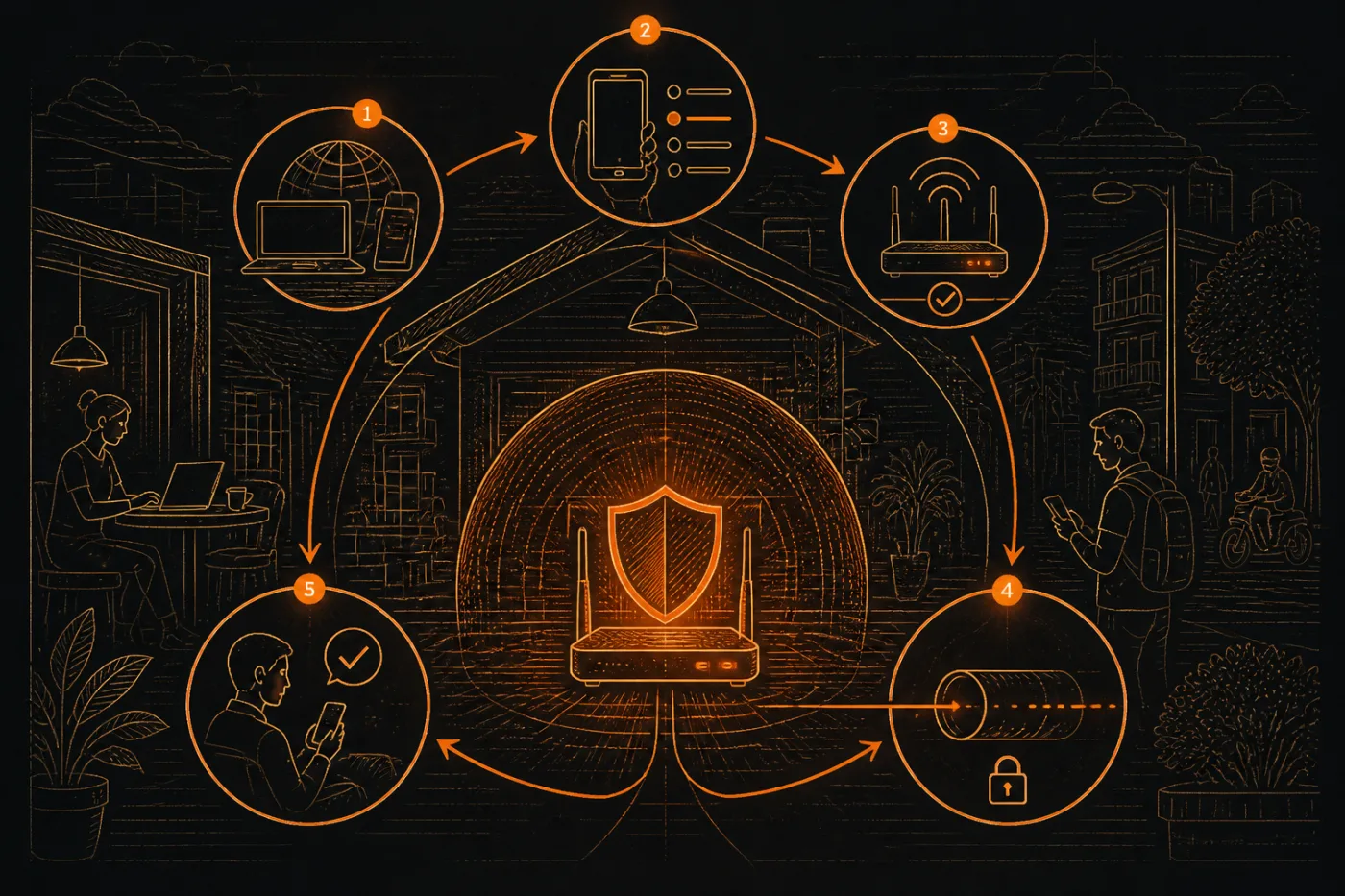
Download v2rayNG from the project's release page on GitHub and install it. Avoid copies sent in chat groups.
Copy your subscription link from the Telegram bot.
In v2rayNG open the subscription settings, add a group and paste the link.
Update the subscription so the server list appears, choose a location and press connect.
Accept Android's VPN prompt and load a page showing your address to confirm the change.
Why the source matters
v2rayNG is an open project published on GitHub, and its page points to the releases section for downloads. Because the app sees your traffic, take it from there or from a store that lists the same developer. The developer's own page also tells you which system version you need.
Menus move between versions, so the labels above may look a little different on your screen. If you cannot find the subscription option, look in the main menu and in the settings.
Settings that are safe to leave alone
The link already carries what the client needs. Resist the urge to change transport or security fields: a wrong value usually just stops the connection. Leave routing and DNS at the defaults until the tunnel works, then adjust one thing at a time.
Do not turn on options that you do not understand. If a guide tells you to paste a block of configuration from somewhere else, ask what it sets first. A stranger's configuration can send traffic wherever they like.
What the first connection looks like
The first time you press connect, Android shows a system dialog asking whether to allow the app to set up a VPN connection. This is normal and appears for every tunnel client. Accepting it is what lets the app route your traffic.
If the button changes colour and a key icon appears in the status bar, the client believes it is connected. That is only the client's own report, so do the checks below before relying on it.
A quick check afterwards
- The address on a lookup page changed after you connected.
- A DNS test lists a resolver that is not your network's.
- A small key shows up in the status bar.
- After you disconnect, the address returns to the first one.
- Ordinary sites still show the padlock in the browser.
What this does not cover
v2rayNG gives you a tunnel; it does not protect the phone from malicious apps and does not replace good passwords. Treat our set-up advice as a checklist you can verify rather than a recommendation to take on trust, because the seller of a VPN is writing it.
VPN rules are set country by country and get revised, so what is allowed where you live, and what each service permits, is yours to confirm. Each step here was confirmed by a human reviewer against how the link behaves in practice, while an AI tool wrote the first version of the text. Servers are in Stockholm, Zurich, Osaka, Rotterdam and Singapore.
Questions
Is v2rayNG made by this service?
No, it is an independent open project. We only issue the link it reads.
Can I use the same link in another app later?
Yes. Hiddify, Happ and V2Box read the same subscription.
Why does the list show several servers?
Each entry is one location. Pick one and change it if the connection is slow or fails.
What if the app asks for a battery exception?
Android may stop background apps to save power. Allowing the exception keeps the tunnel from closing, but it is your choice.
What if the update says the subscription failed?
Copy the link again from the bot with no extra spaces and check that your phone has any working connection.
Do I need to pay before I try it?
The bot gives new users 10 days free. Prices after that are on the home page and in the bot.