Secure VPN with an encrypted link, no logs and no account
The Telegram bot sends your personal link within about a minute. Drop it into a free client app and everything you send is already encrypted when it leaves the device. The first stretch costs nothing.
No sign-up. No automatic renewals. Crypto changes hands only if you decide to stay.
- 1 min
- until your link is ready
- No cap
- on devices per link
- 0
- connection logs kept
- 10 days
- free, then crypto
For show only - the letters on these strips are not an actual key.
What every notch on the rotor is for
Six jobs the link takes on, and one it leaves alone.
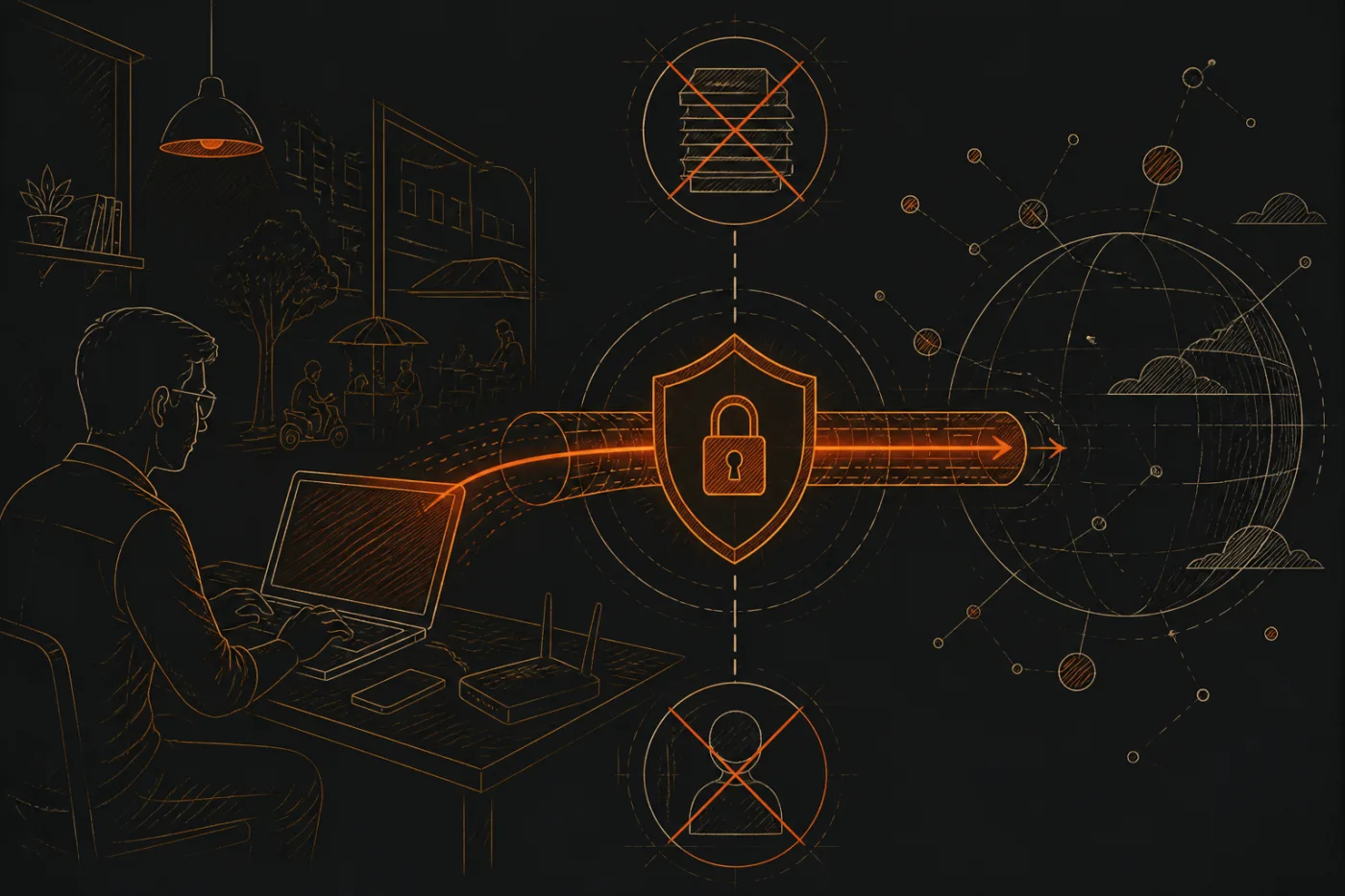
Encrypted before it leaves
VLESS with Reality wraps your traffic in an encrypted tunnel that looks like ordinary TLS traffic to the network, so the network between you and our server sees one scrambled stream.
Easier nerves on public Wi-Fi
In a cafe, an airport or a hostel, the owner of the hotspot and the person at the next table cannot read what you send through the tunnel.
No logs
Nothing is written down about which sites you open or when you connect.
No account to leak
You hand over no email, no password and no profile; the bot's link is all you keep.
One link across all your devices
Phone, laptop, tablet and Android TV can share the same link, with no limit on how many.
Where it stops
Phishing pages and viruses get through it just the same, and it does not make you anonymous. The guides mark where the edge sits.
The wiring table
Eight guides in pairs: one explains what a thing is, the next how to set it up.
- EncryptionWhat the tunnel encrypts, what TLS and Reality do, and what stays visible to your network.
- Protocols and clientsVLESS, the clients that read it and how one link goes into v2rayNG, Hiddify or Happ.
- Public Wi-FiCafes, airports, hostels, college and office networks: what a VPN protects there.
- No logsWhat we do not store, what any VPN still has to process, and how to check claims yourself.
- AndroidA secure set-up on Android phones, tablets and Android TV.
- PC and MacWindows, MacBook, Linux and Chrome: secure settings that matter.
- iPhoneiPhone and iPad clients and the permissions they ask for.
- Leak checksIP, DNS and WebRTC checks you can run yourself in a minute.
- HelpApps, games, Kashmir connections, server locations and plain answers.
Who can see what on shared Wi-Fi
Without a tunnel, whoever owns a cafe hotspot can tell which sites you reach. With one, they see a single encrypted connection to a single address. That is the entire trick, and it has limits.
no logs / no account
Without a VPN
Whoever runs the hotspot can read which sites you visit.
With your link
All the owner gets is one scrambled stream going to one address.
The tunnel protects
- Anything you send across cafe, airport or hostel Wi-Fi
- The sites you open, from the point of view of the network owner
- The content of your traffic, from others on the same hotspot
The tunnel cannot touch
- The fact that you use a VPN, and which server you connect to
- A phishing page where you type your own login
- Viruses and malicious downloads
- An account that is already signed in
- Anonymity of any kind
Three clicks of the dial
We ship no app of our own. You need a free client app, a link from Telegram and a single paste.
Open the bot
Open the bot to start the free trial; it asks for no email and no password.
Copy your link
Within about a minute the bot replies with a subscription link and a QR code.
Add it to Happ
Paste the link into Happ or scan the code with it, then turn the tunnel on.
Apps that accept the link
- HappiPhone, Android, Windows, Mac
- v2rayNGAndroid
- HiddifyiPhone, Android, Windows, Mac
- V2BoxiPhone, Android, Mac
Four rotors, one link
Whatever term you pick, the locations, the traffic and the device allowance stay identical; going longer only brings the monthly price down.
- Free trial first
- No limit on devices
- Unlimited traffic
- Five locations
- No auto-renewal
All amounts are in US dollars. Payment happens in the bot, in USDT or another cryptocurrency. No auto-renewal; at the end of a term the link simply stops working.
Quick answers before you start
What cautious readers usually want to know first, in a few lines. For anything missing, message the bot.
What exactly does a secure VPN do for me?
It scrambles the stretch between your device and the VPN server. Whoever runs the Wi-Fi and your internet provider see only an encrypted connection, while the websites you open see the server's address in place of yours.
Does it help when I am on cafe or airport Wi-Fi?
Quite a lot: other people on the same network cannot read what travels through the tunnel. It does not make a fake login page genuine, so check the address before you type a password.
Do you keep logs?
No. Neither the sites you open nor the times you connect are recorded.
Is there a login or registration?
No. The bot gives you a personal link and a QR code, and the website has no email field, password or sign-up at all.
Is there a limit on devices per link?
One link can run on as many devices as you like, and the traffic is uncapped as well.
How do I pay?
You pay inside the Telegram bot, in USDT or other crypto. The bot takes no cards and no UPI, and there is no automatic renewal.
Can I use a VPN legally in my country?
Each country sets its own rules and they get revised. Following your local law and the terms of the services you use stays with you.
The bot hands you the link
Free to try and no sign-up. Try it on the network you really use.