- Note
- 07 items
- Subject
- Who is my ISP? Find the name, then judge its view
- From
- SecureVPN Club
Finding the name in a minute
Open any address-check page in your browser while you are on the network in question. Besides your public address it shows an organisation or network name, and that is your internet service provider. On home broadband it is the company that sends the bill. On mobile data it is your SIM operator. On a college or office network it can be the institution's own upstream provider.
Do not worry if the page names a company you do not recognise at first. If it is a company you have never heard of, look at the bill or the router label. Some small providers buy capacity from a larger one, and the lookup shows the larger one.
Where else the name appears
- On your monthly bill or in the provider's app.
- On the sticker or settings page of the router the provider supplied.
- In the result of an address lookup, next to the public address.
- On the network details screen of your phone or laptop.
What your provider can see
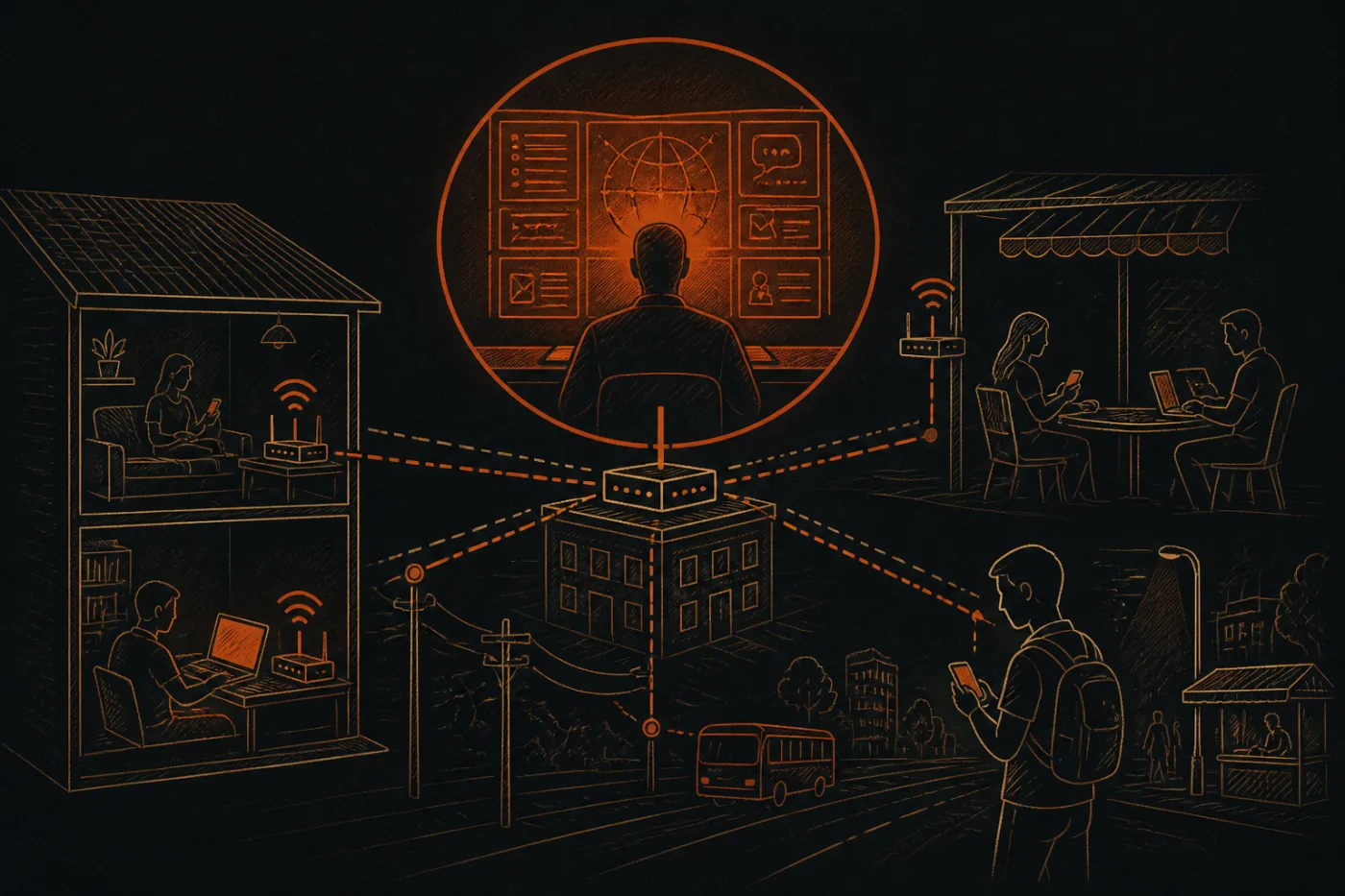
Think of the provider as the company that owns the road you drive on. The provider carries every packet between you and the internet. Without extra protection it can see which server names you contact, when, and how much data moves. Pages that use HTTPS keep the content and the exact page path private, but the site name is still visible during connection set-up, and so are your name lookups if they go through the provider's own resolver.
That part is easy to miss: it is not only the websites, it is the lookups that go with them. A leak test on DNS shows who answers those.
The effect of switching a tunnel on
Once a VLESS tunnel is connected, your provider sees one encrypted connection to a server, the amount of data and the times. It no longer sees the site names inside. Your lookup page will then name the server's network instead of your provider, which is a handy proof that the tunnel is carrying you.
The tunnel does not hide that you are online, who your provider is on the first hop, or the phone number tied to a SIM. It also does not make the provider forget what it saw before you connected.
Reading the answer in context
One more detail: a home connection often has a public address that changes now and then, while a company or campus may share a single address among hundreds of people. So the lookup on a shared network describes the building, and many neighbours use the same name you see. A shared address is one more reason not to treat a lookup as a fingerprint of you, since two people in different homes can show the same result.
A note on who benefits
Use the lookup above to test any claim, ours included, because a seller wrote this page and a reader should see the change with their own eyes.
How long a provider must keep its records is set by the law of the country you are in, and that law changes, so check it where you live.
Questions
Is the ISP the same as the company that owns my router?
Not always. The router may be rented from the provider, bought from a shop, or supplied by a landlord. The ISP is whoever sells you the connection.
My lookup names a place I have never been to - why?
Location by address is an estimate based on where the provider registered its blocks of addresses. It can be the regional hub, not your street.
Will the lookup change when I switch from Wi-Fi to mobile data?
Yes. A different network gives a different public address and a different provider name.
Can my ISP see which app I use inside a tunnel?
No. It sees an encrypted stream to a server. It can see the server's address and how much data moves.
Does my provider see my traffic on a college network?
The institution or its upstream provider can. The same logic applies there as on any shared network.
Who is the provider named after I connect?
The network of the server you reached, in Sweden, Switzerland, Japan, the Netherlands or Singapore, not your home provider.